Technology Web Development

WordPress for Beginners: A Practical Guide to Building Websites

Elliot Crane
4.9
April 01, 2026

WordPress is revolutionizing the web development landscape as one of the most popular content management systems (CMS) worldwide, currently powering millions of websites across a plethora of industries. Imagine being able to create and manage your own website without the headache of advanced coding skills! In today’s fast-paced digital world, establishing an online presence is not just an option, it's essential for businesses, creators, and professionals alike. 

WordPress makes this journey exhilarating by providing a dynamic array of tools to effortlessly build stunning blogs, professional business websites, and even thriving online stores. Its influence is continually expanding, firmly anchoring itself in the realm of “emerging technologies” that are shaping the “future of technology” and digital communication. Get ready to dive into this guide, which will unveil key WordPress concepts that every beginner should embrace to embark on their online adventure!
1
WordPress Dashboard
© Shutterstock/ PeopleImages

WordPress Dashboard

The WordPress Dashboard is the central control panel where users manage their website. After logging in, users can create posts, add pages, install plugins, and change settings. It works as a user-friendly interface that organizes all website functions in one place. Beginners use the dashboard to control content, design, and performance without coding knowledge.

Primary Use Case: Website management and control
Industries Using It: Blogging, business, education, media
Key Benefit: Simple interface for managing all website features
Limitations: Can feel overwhelming for complete beginners at first

2
Themes
© Shutterstock/ PeopleImages

Themes

Themes control the visual design and layout of a WordPress website. They determine how content appears, including colors, fonts, and page structure. Users can install free or premium themes and customize them to match their brand. Themes allow beginners to create professional-looking websites without design experience.

Primary Use Case: Website design and layout
Industries Using It: E-commerce, personal branding, corporate sites
Key Benefit: Easy customization without coding
Limitations: Some themes may limit flexibility or require paid upgrades  

3
Plugins
© Shutterstock/ PeopleImages

Plugins

Plugins are tools that add extra features and functionality to WordPress websites. They work like apps that extend capabilities, such as adding contact forms, improving SEO, or enhancing security. Beginners can install plugins with a few clicks to customize their website easily.

Primary Use Case: Extending website functionality
Industries Using It: All industries using websites
Key Benefit: Powerful features without coding
Limitations: Too many plugins can slow down a website

4
Posts and Pages

Posts and Pages

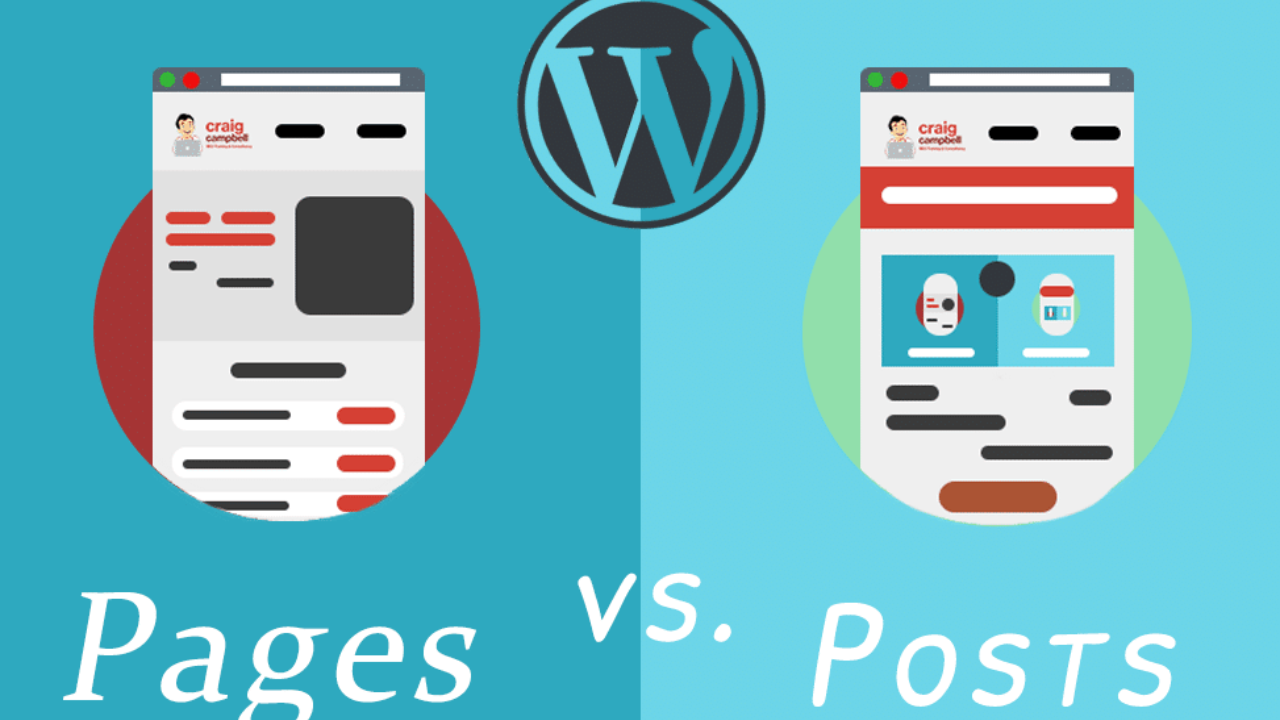
Posts and pages are the two main types of content in WordPress. Posts are used for blog entries and are usually displayed in reverse chronological order. Pages are static and used for content like “About Us” or “Contact.” Understanding the difference is essential for organizing a website properly.

Primary Use Case: Content creation and organization
Industries Using It: Blogging, news, business
Key Benefit: Clear structure for dynamic and static content
Limitations: Beginners may confuse posts and pages initially

5
Media Library

Media Library

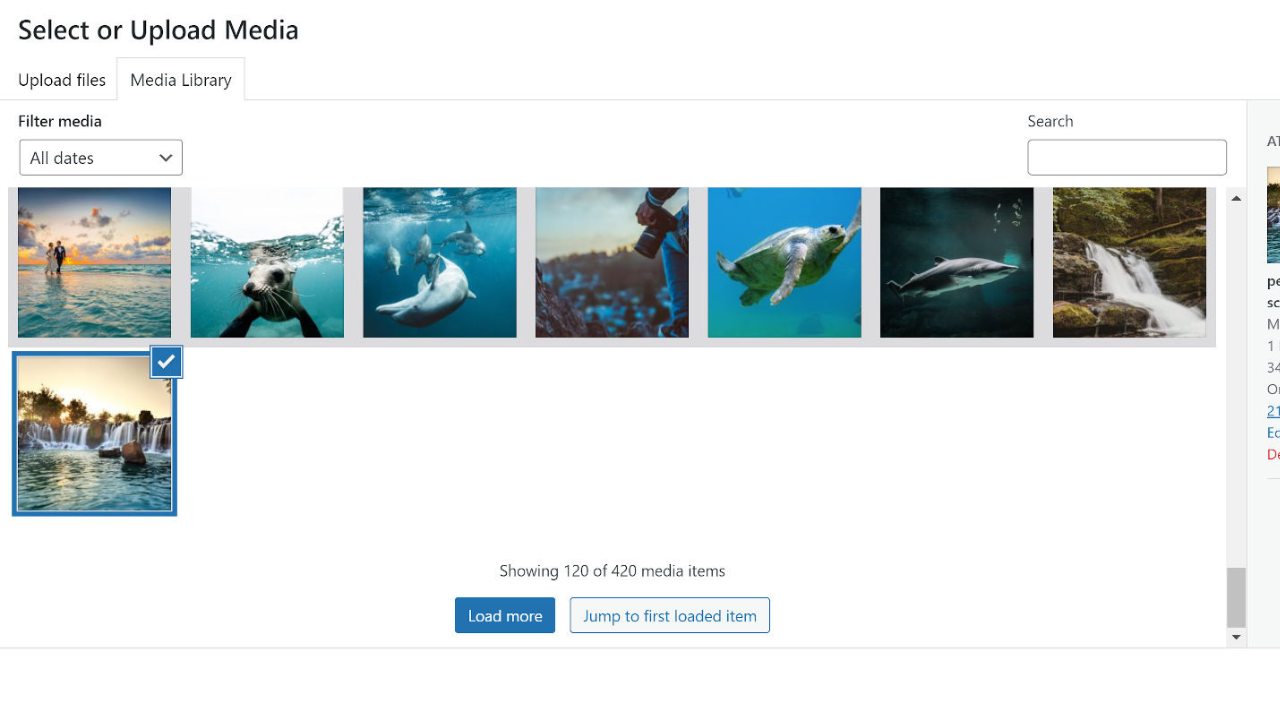
The Media Library is where all images, videos, and files are stored in WordPress. Users can upload, edit, and manage media files easily. It helps in organizing visual content used across posts and pages. Proper media management ensures faster loading times and better website performance.

Primary Use Case: Managing images and media files
Industries Using It: E-commerce, blogging, education
Key Benefit: Centralized storage for all media
Limitations: Large files can slow down website performance

6
WordPress Editor (Block Editor)

WordPress Editor (Block Editor)

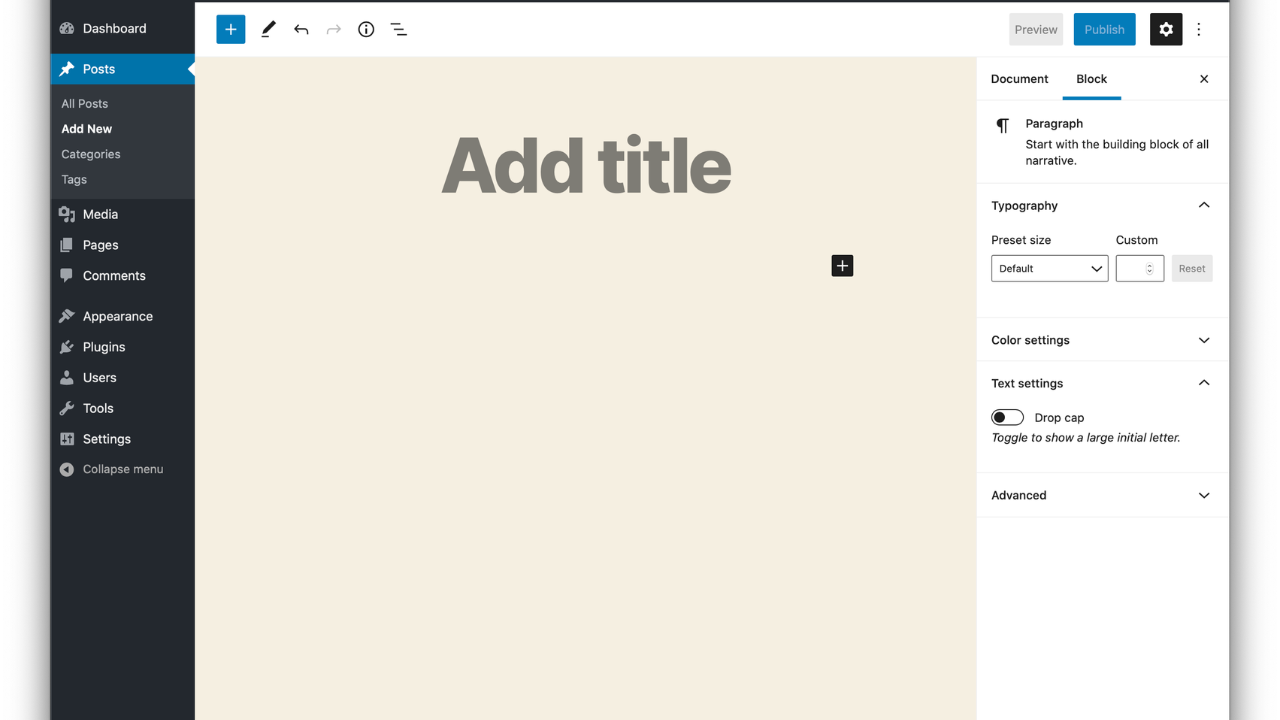
The WordPress Block Editor (Gutenberg) allows users to build content using blocks. Each block represents an element such as text, images, or videos. This drag-and-drop approach makes content creation more intuitive. It helps beginners design pages without needing coding skills.

Primary Use Case: Creating and editing content visually
Industries Using It: Content creation, marketing, blogging
Key Benefit: Easy drag-and-drop editing
Limitations: Some users prefer traditional editors and may find it less familiar

7
SEO (Search Engine Optimization)
© Stutterstock/ dee karen

SEO (Search Engine Optimization)

SEO in WordPress refers to optimizing your website to rank higher on search engines. Plugins like Yoast SEO or Rank Math help users improve titles, meta descriptions, and keywords. Good SEO practices increase website visibility and organic traffic.

Primary Use Case: Improving search engine rankings
Industries Using It: Digital marketing, blogging, business
Key Benefit: Increases website traffic and visibility
Limitations: Requires consistent effort and strategy  

8
WordPress Security

WordPress Security

Security is essential for protecting websites from hackers and malware. WordPress offers security plugins and best practices such as strong passwords, regular updates, and backups. Beginners should prioritize security to keep their data safe and maintain trust with users.

Primary Use Case: Protecting websites and data
Industries Using It: Finance, healthcare, business
Key Benefit: Prevents data breaches and attacks
Limitations: Requires ongoing monitoring and updates

9
 Hosting and Domain
© Shutterstock/ THICHA SATAPITANON

Hosting and Domain

A domain is the website address (like example.com), while hosting is the server where the website is stored. WordPress requires both to go live. Hosting providers offer services that support WordPress installations. Choosing reliable hosting ensures better performance and uptime.

Primary Use Case: Making websites accessible online
Industries Using It: All online businesses
Key Benefit: Enables global website access
Limitations: Quality hosting can be expensive

10
WordPress Customization

WordPress Customization

Customization allows users to personalize their website using themes, plugins, and settings. Beginners can change layouts, add widgets, and modify menus. This flexibility makes WordPress a powerful platform for creating unique websites tailored to specific needs.

Primary Use Case: Personalizing website design and features
Industries Using It: All industries
Key Benefit: Highly flexible and scalable
Limitations: Too many customizations may complicate management


Comments (0)

Leave a Reply

No comments yet. Be the first to share your thoughts!